 Baseplate
Build on Baseplate.
The modern development environment for Roblox creators. Open the places you've already made in Studio, build with tools that stay out of your way, and export straight back when you're done.

Bring the places you already have.
Baseplate reads Roblox Studio files directly. No converters, no plugins, no copying things across by hand. Open a place, change it, and take it back to Studio.
- Opens
- .rbxl.rbxlx.rbxm.rbxmx
- Exports
- .rbxl.rbxlx

Nothing gets lost on the way back. Baseplate keeps every property it reads, including the ones it can't edit yet, so unions, welds, attributes and everything you didn't touch go back to Studio exactly as they came in. Every release is checked against real places before it ships.
Your key. Your account. Never your password.
- Sign in with Roblox. You sign in on roblox.com through Roblox's official sign-in. Baseplate never sees your password.
- Official Open Cloud API. MeshParts, unions, decals, textures and Roblox's own materials download with an API key from your account, plus your groups' keys for group-owned assets.
- Stored safely, cached after the first load. Keys live in Windows Credential Manager. Big places take a minute once, then open instantly.
Handles you can actually grab.
Big, clear gizmos. Snapping you can see. Undo for everything. If you know Studio, you already know where everything is.
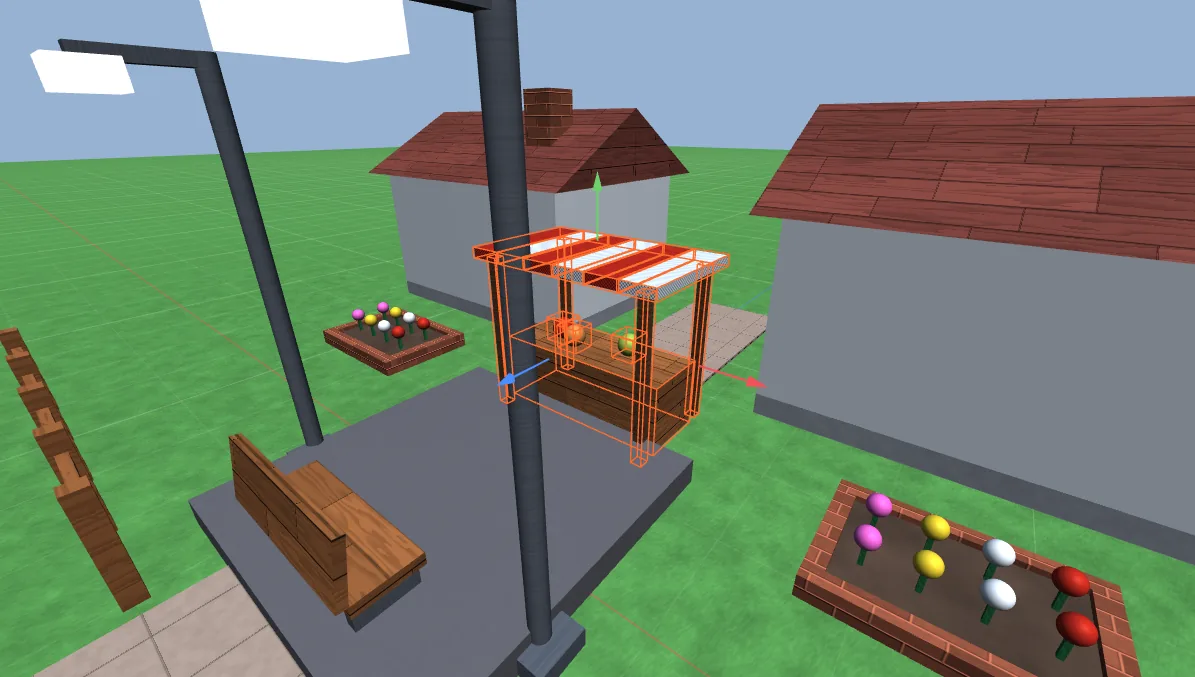
Move
Ctrl 2Drag an arrow to slide along an axis, or grab the part itself to push it across the ground.
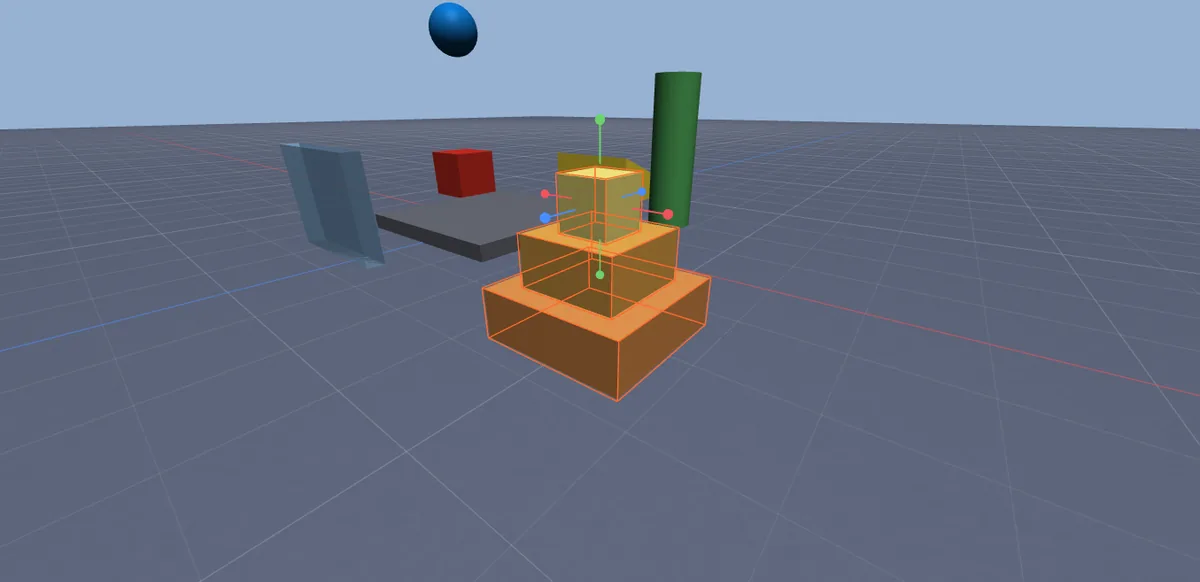
Scale
Ctrl 3Resize one face at a time, just like Studio, snapped to whole studs.
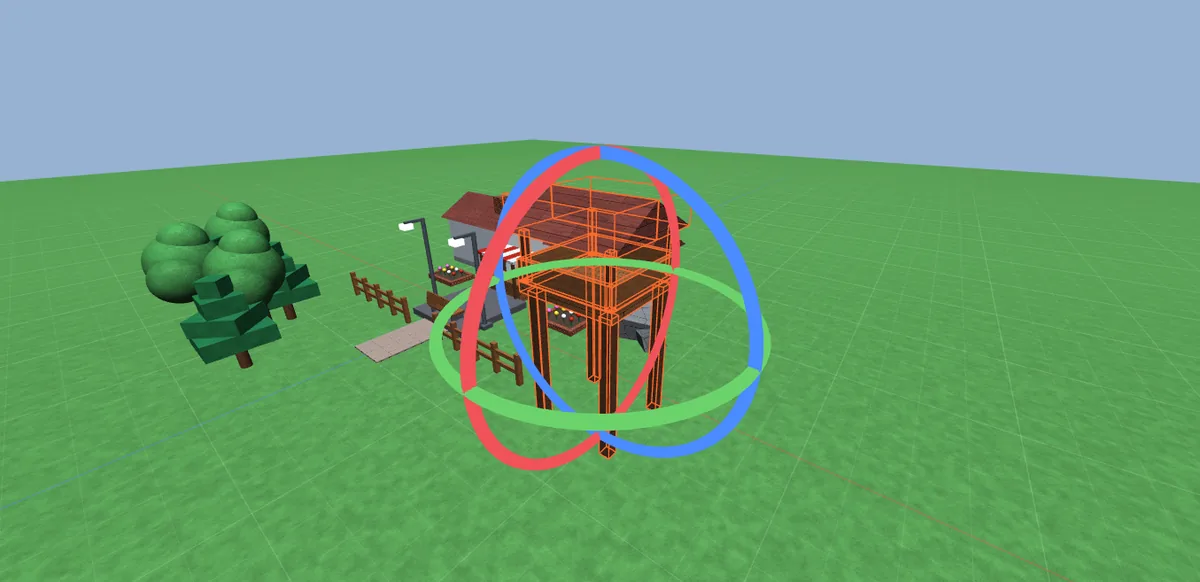
Rotate
Ctrl 4Turn around any axis in 15° steps, or switch snapping off for free rotation.
Live Properties
Edit the selection and filter properties by name.
Luau script editor
Syntax highlighting and auto-indent. Scripts open as tabs.
Play mode
Press F5 and unanchored parts fall and collide. Stop puts everything back.
Explorer that keeps up
Search, drag to reparent, group, rename. Fast with huge places.
Union, Negate, Separate
Combine parts, cut holes and split unions apart again.
Lighting like Studio
Your place's sky, sun, shadows, point and spot lights, fog and atmosphere.
Roblox materials
Roblox's own material textures, plus your custom MaterialVariants.
Edit GUIs on screen
Lay out ScreenGuis, Frames and labels on screen, not just in Properties.
Only in Baseplate.
You won't find these in Roblox Studio. Every one works in Baseplate today, and every screenshot is the real app.
-
 01
01Search everything
Ctrl P finds parts, scripts, tags, notes and commands from one box.
-
 02
02Edit lots at once
Change many objects together, with Mixed shown where they differ. Copy and paste properties between objects.
-
 03
03Coloured Explorer
Give objects a colour in the Explorer so the important ones are easy to spot.
-
 04
04Experiences
Keep every place of one game together, and pin the projects you're working on to the top of the home screen.
-
 05
05Recovery points
Autosave, crash recovery and a list of earlier versions you can open at any time.
-
 06
06Make it yours
Light or dark, accent colour, density, toolbar labels, panel layout and your own shortcuts.
-
 07
07My Assets
Save anything into your own folders. Favourites and recently used items are one click away.
-
 08
08Community models
Models shared on Baseplate Creator, checked by the Baseplate team, right in the Toolbox.
-
 09
09Measure tool
Distances, angles, bounding boxes and height above the ground.
-
 10
10Safe publishing
See when you last published and what's changed since. A recovery point is saved before every publish.
-
 11
11Developer notes
Leave a note on any object. Project notes and a task list live in the Notes tab.
-
 12
12Search by tag
Type
tag:Retailto find everything with that tag. Uses Roblox's own CollectionService tags. -
 13
13Performance check
Counts what's in your place, flags likely problems and takes you to the object.
-
 14
14Check for Roblox
F7 checks every script with the Luau compiler and flags scripts Roblox won't run. Then test in Studio or in a private test place on Roblox.
-
 15
153D text
Type a word and get solid 3D letters, each one a smooth union.
Start from something fun.
Every template is a normal project. Pull it apart, learn how it works, make it yours.
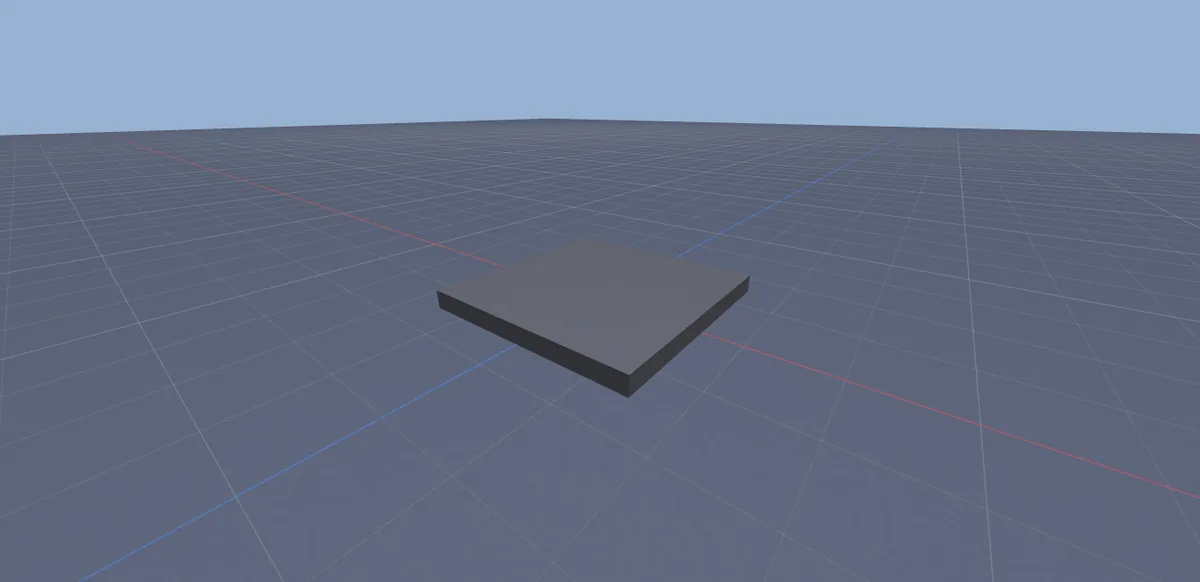
Baseplate
An empty baseplate and a spawn. The classic start.
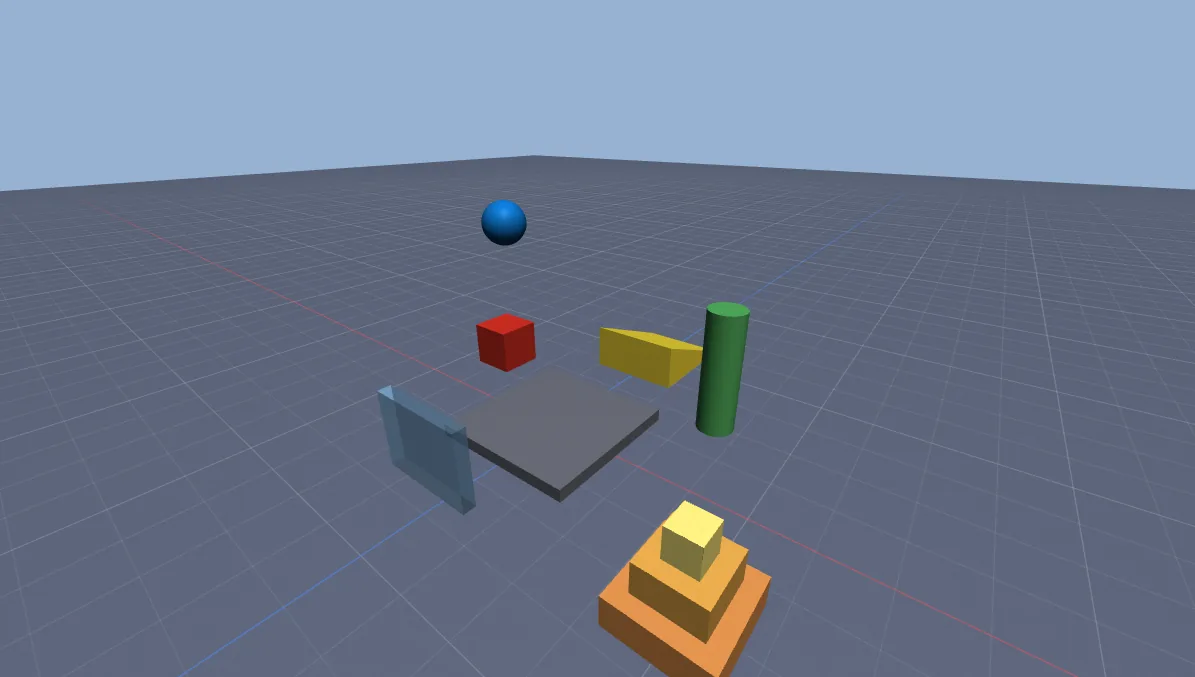
Starter Scene
A few parts to play with, including physics.
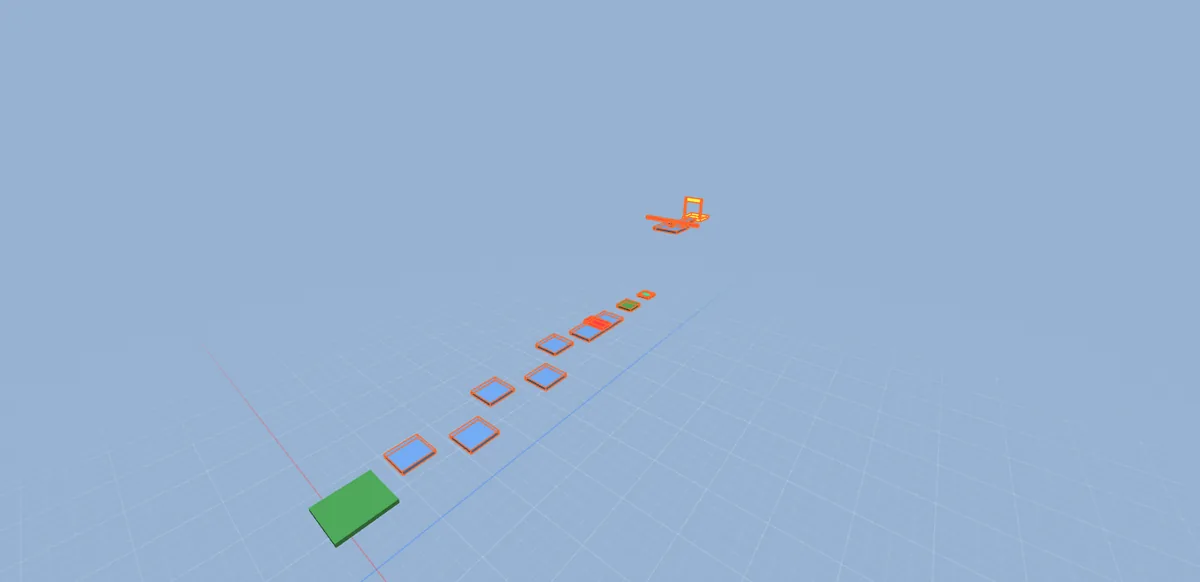
Obby
Kill bricks, a checkpoint, a jump pad and a finish.
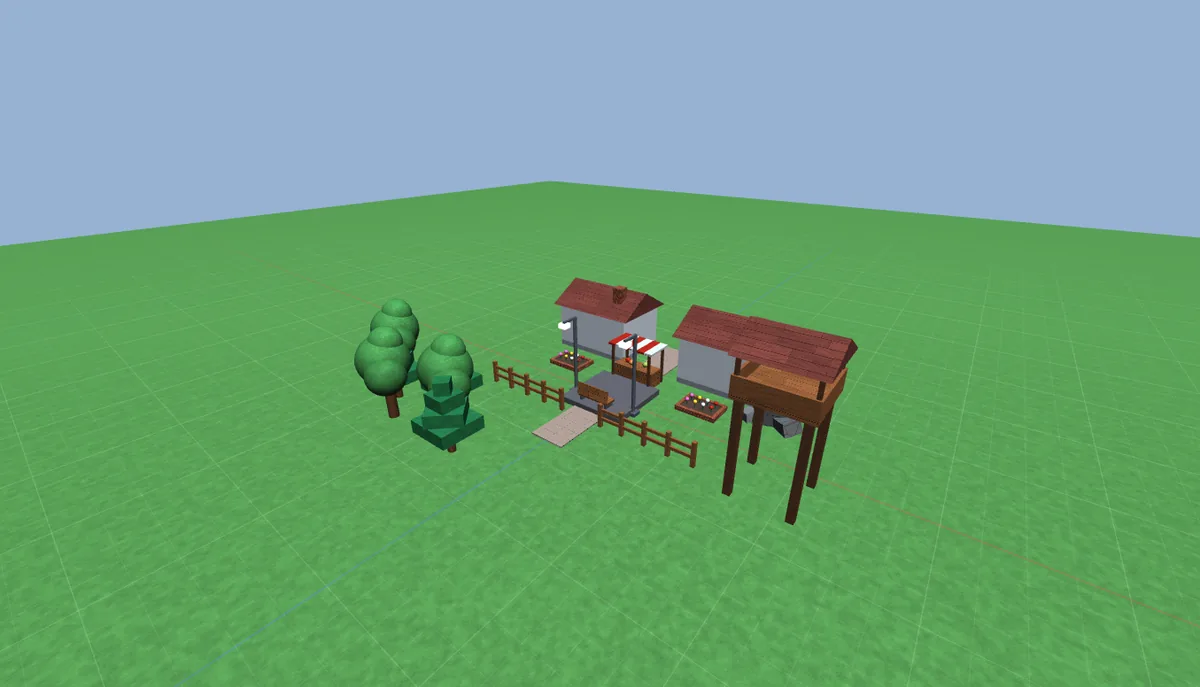
Village
Houses, a market, trees and lamps on grass.
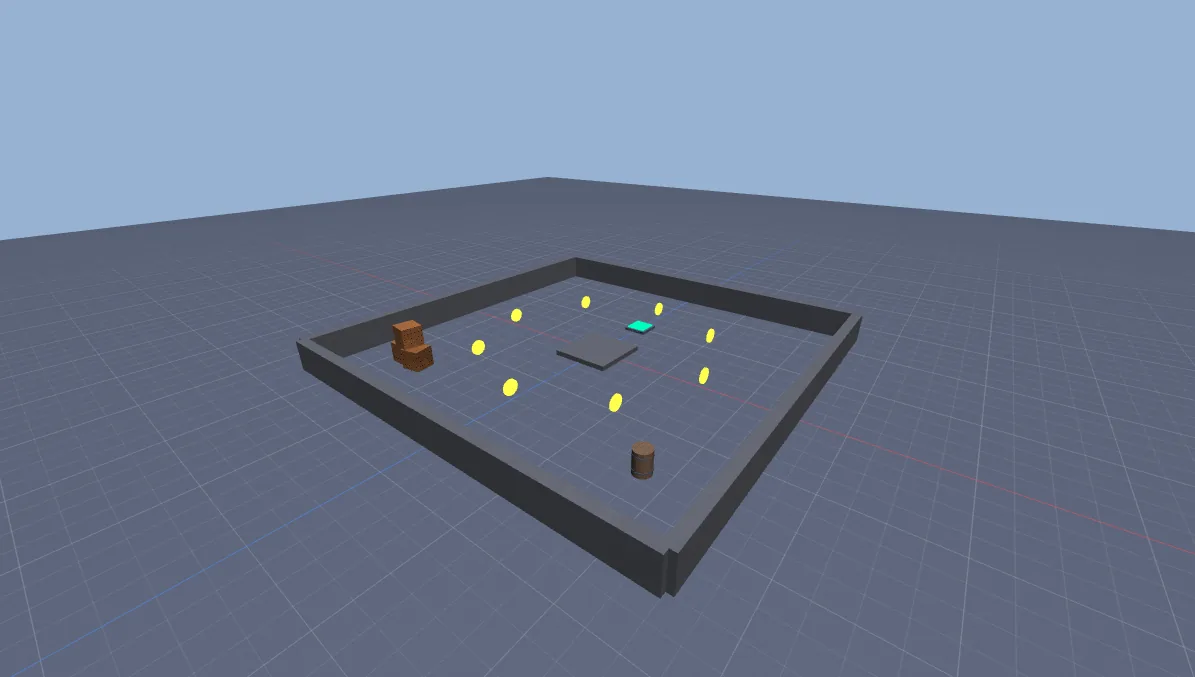
Coin Rush
A walled arena with collectible coins and working leaderstats.
Your Studio muscle memory still works.
Right-drag to look, WASD to fly, F to focus. The camera, tools and shortcuts behave the way your hands expect. Try pressing a few.
Early. Honest. Moving fast.
Baseplate is in early development. Here's exactly what works today and what's coming. Full changelog
Done v0.3
- Editor, Explorer, Properties, transform tools and undo
- Open Studio places with MeshParts, unions, textures and materials
- Lossless export back to Studio as
.rbxlor.rbxlx - Publish to Roblox through the official Open Cloud API
- Check for Roblox, Test in Studio and Test on Roblox
- Community models, recovery points, notes, tags and more
Next
- Better lighting, shadows and materials in the 3D view
- Build together in real time
- Run Luau scripts in Play mode
- Terrain
Later
- Code-signed installer
- Debugger with breakpoints
- Avatar and animation tools
Go build something.
Free while it's in development. No admin rights, and it keeps itself up to date. Downloads open soon: join the Discord to hear first.